
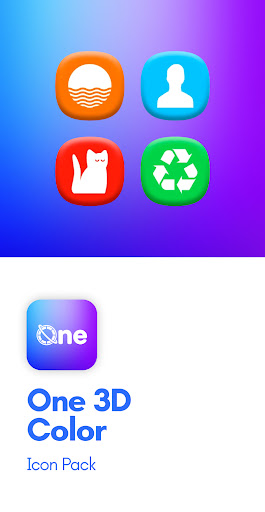
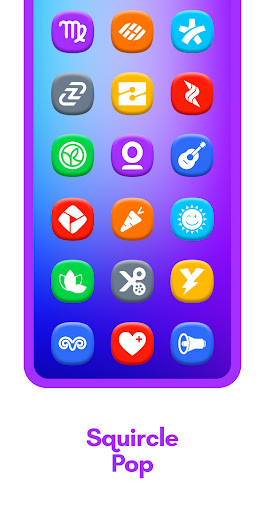
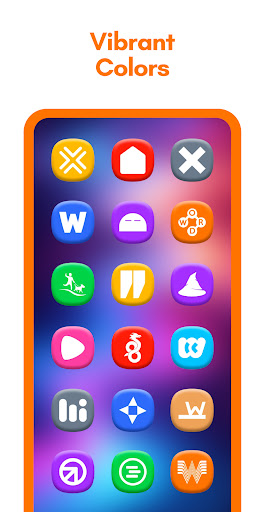
Colored squircle icons with 3D look and crisp white glyphs


One 3D Color Icon Pack
by PizzApp Design| Name | One 3D Color Icon Pack |
|---|---|
| Publisher | PizzApp Design |
| Genre | Personalization |
| Size | Varies with device |
| Version | 5.9 |
| Update | Jan 06, 2026 |
| Get it On | com.italiano.one3dcolor |
| Report | Report Apps |
| Rating |
|
Preview
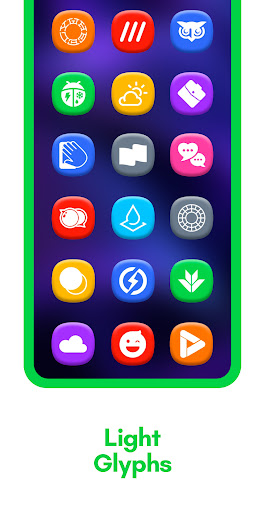
One 3D Color Icon Pack for Android
The One 3D Color Icon Pack is a modern Android customization pack designed to enhance your home screen with clean, colorful, and three-dimensional icons inspired by contemporary One UI design principles.
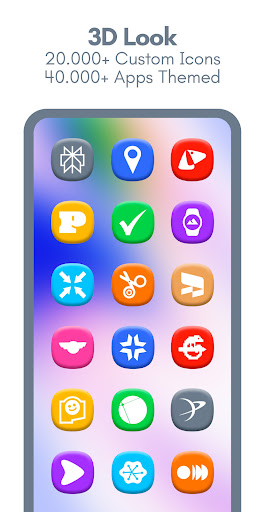
Each icon features a soft shadow and refined depth effect, creating a subtle 3D appearance that blends well with modern Android interfaces. The design focuses on clarity, consistency, and visual balance, making it suitable for users who prefer a polished and organized home screen experience.
Key Features
-
Over 20,000 high-quality 3D icons
-
Supports 40,000+ themed applications
-
Includes exclusive wallpapers
-
Dynamic calendar icons (supported launchers only)
-
Material You–inspired, easy-to-use dashboard
-
Automatic icon masking for unsupported apps
-
Free and premium icon request options
-
Regular updates with new icons and improvements
App Categories Supported
-
System applications
-
Google applications
-
Stock OEM apps
-
Social media apps
-
Media and entertainment apps
-
Games
-
Many additional third-party applications
How to Use / Requirements
-
Install a compatible third-party launcher.
-
Open the One 3D Color Icon Pack app.
-
Tap Apply, or select the icon pack from your launcher’s settings.
Supported Launchers
Action Launcher, ADW Launcher, Before Launcher, ColorOS Launcher, Go EX Launcher, HiOS Launcher, Hyperion Launcher, KISS Launcher, Kvaesitso Launcher, Lawnchair Launcher, Lucid Launcher, Microsoft Launcher, Niagara Launcher, Nothing Launcher, Nova Launcher, OxygenOS Launcher, Pixel Launcher (via Shortcut Maker), POCO Launcher, Projectivy Launcher, Realme UI Launcher, Samsung One UI (via Theme Park), Smart Launcher, Solo Launcher, Square Launcher, TinyBit Launcher.
Note: Other launchers may also be compatible.
Additional Information
-
A third-party launcher or supported OEM launcher is required.
-
If an app icon is missing, users can submit an icon request directly from the app.
-
A detailed FAQ section is included within the app for common questions and setup guidance.
Contact & Support
-
Website: https://linktr.ee/pizzappdesign
-
Email: pizzappdesign@protonmail.com
-
Social Media: Instagram, Threads, X (Twitter), Telegram, BlueSky
Credits
-
Dashboard developed by Dani Mahardhika and Sarsamurmu (Apache License 2.0)
-
UI icons provided by Icons8
What's New
🎉Update v5.9
✅ Added 500+ New Icons
✨ Redesigned 120+ Old Icons
💌Icons requested up to 20 November added
📨Icons after 21 November coming next update
⭐️ Don’t forget to rate and review to support development!
Download One 3D Color Icon Pack
You are now ready to download One 3D Color Icon Pack for free. Here are some notes:
- Please refer to our installation guide for detailed instructions. To check the CPU and GPU specifications of your Android device, we recommend using the CPU-Z application.